> For the complete documentation index, see [llms.txt](https://xtrade.gitbook.io/docs/llms.txt). Markdown versions of documentation pages are available by appending `.md` to page URLs; this page is available as [Markdown](https://xtrade.gitbook.io/docs/getting-started/quickstart.md).
# Quickstart
Set up your account, create a wallet, and start trading in just a few clicks
{% stepper %}
{% step %}
### Get Started
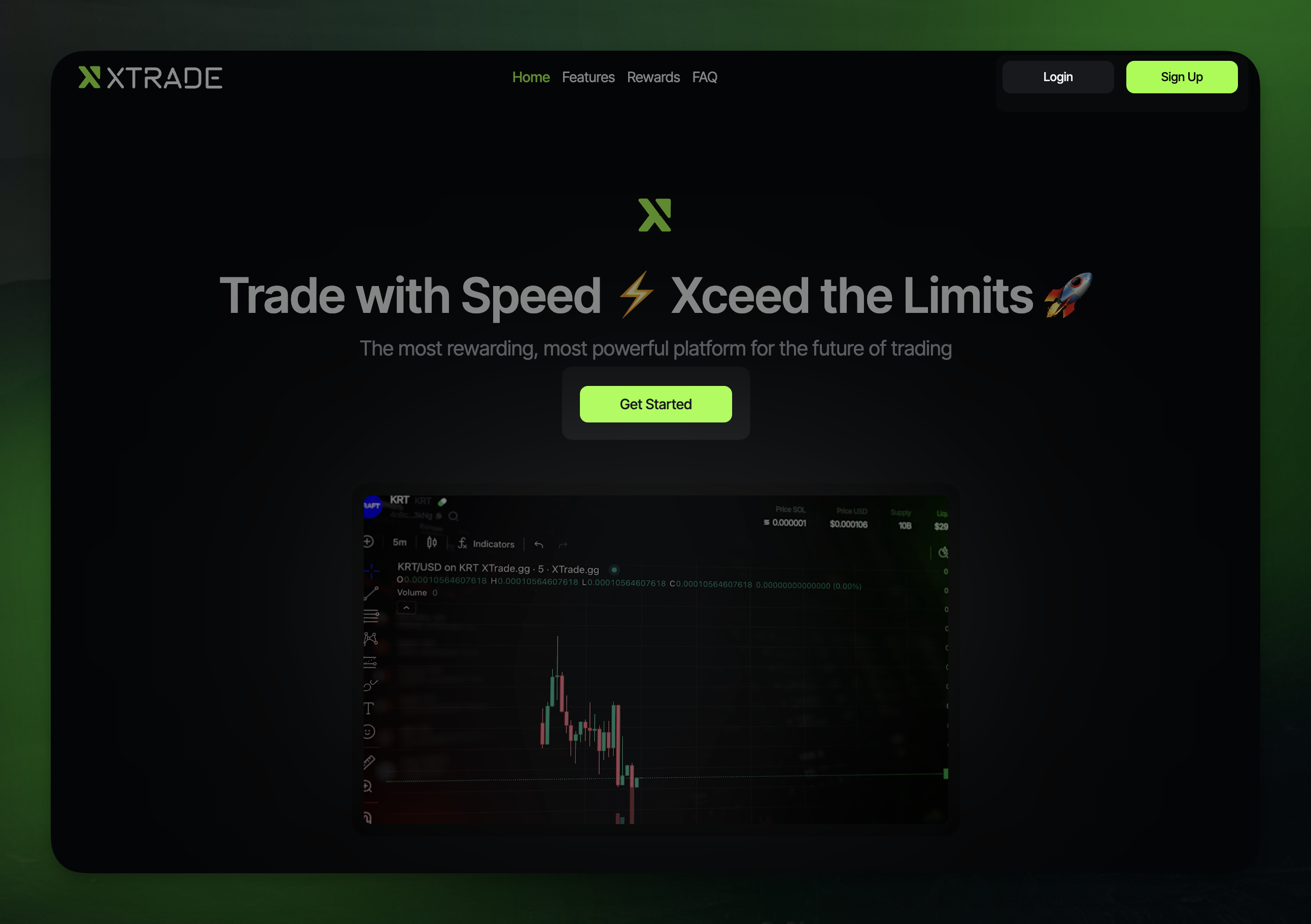
Visit [https://xtrade.xyz](https://xtrade.xyz/) and click **Get Started**
{% endstep %}
{% step %}
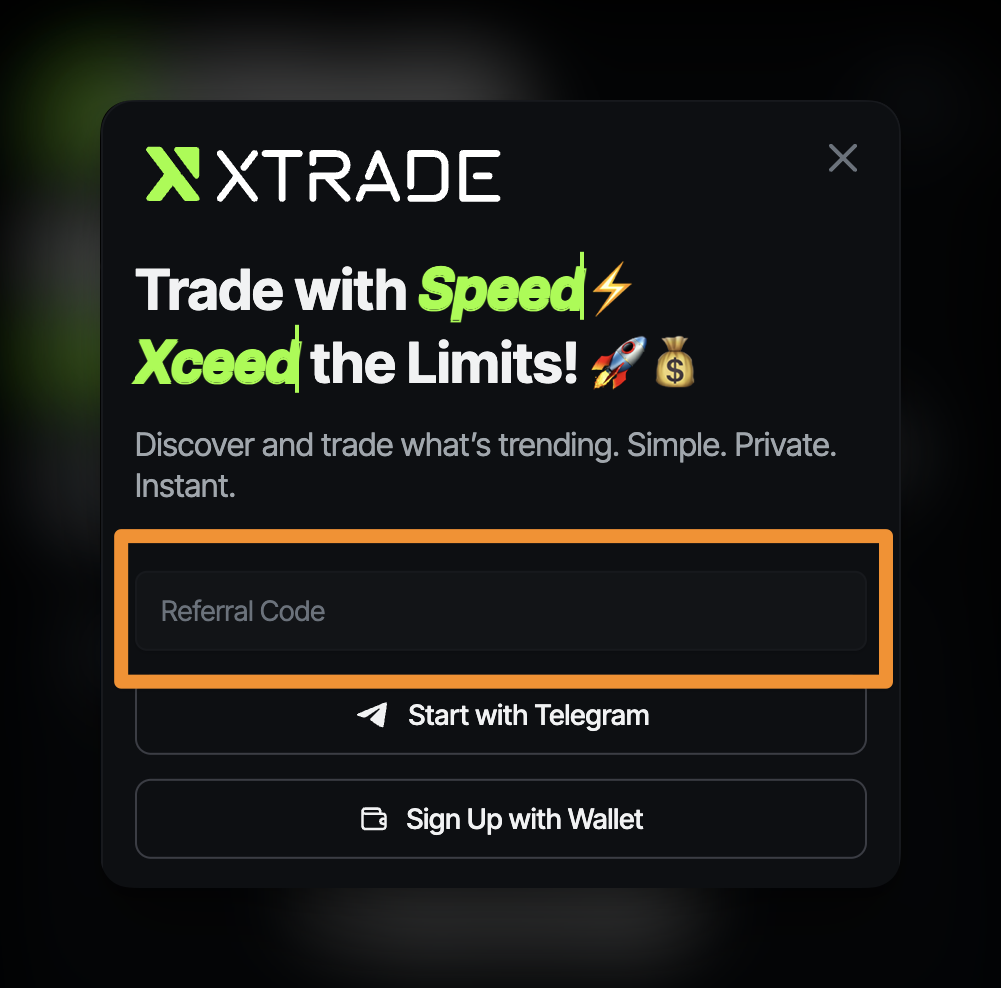
### Enter Referral Code
Don’t have one? Check XTrade’s official socials: [Twitter](https://x.com/xtrade_xyz) | [Discord](https://discord.gg/xtrade)
{% endstep %}
{% step %}
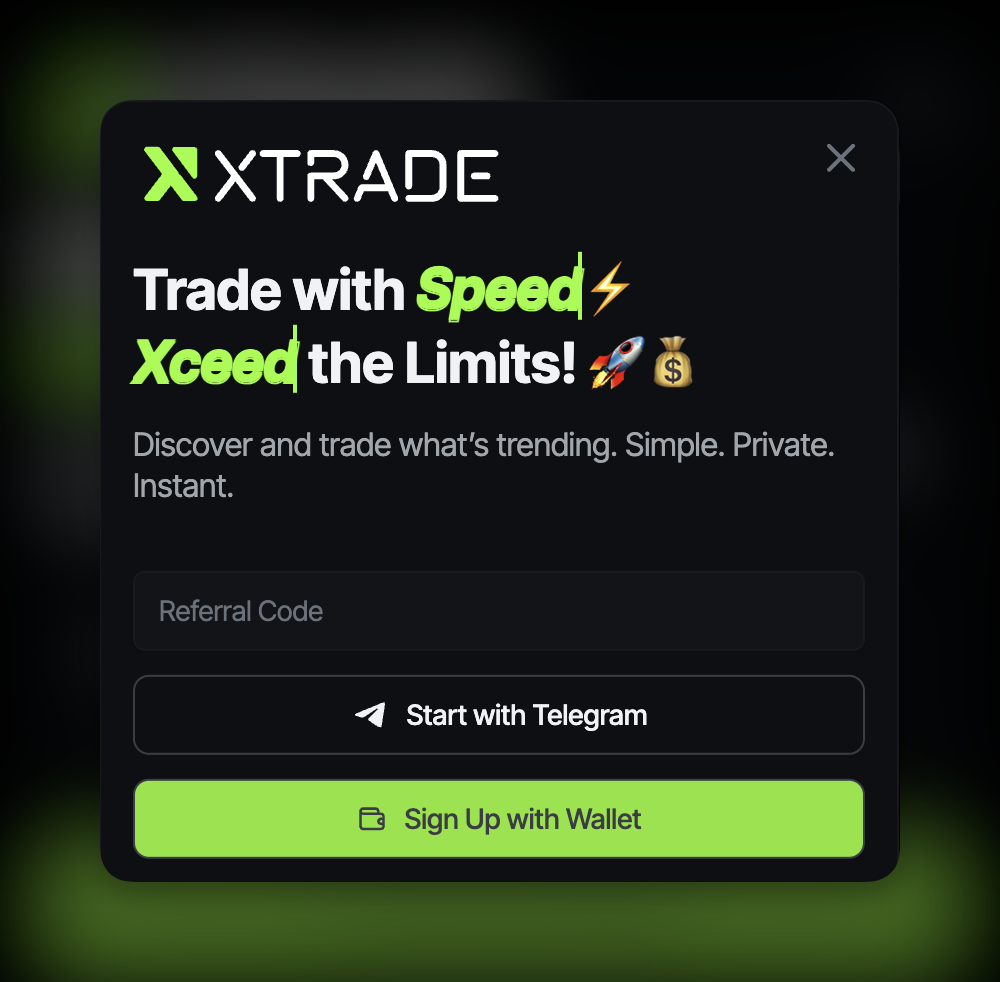
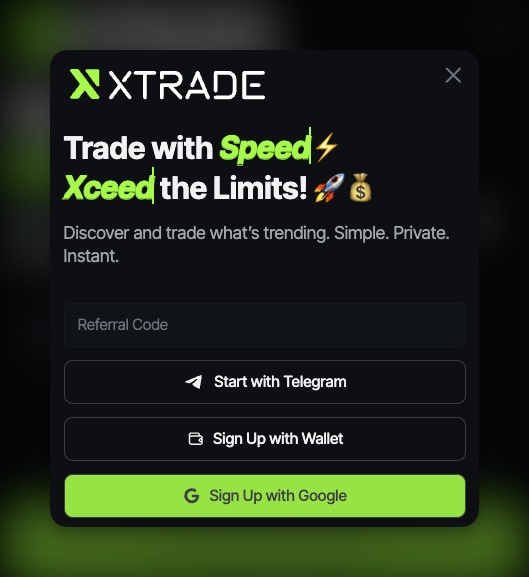
### Choose How to Connect
{% tabs %}
{% tab title="Telegram Bot" %} Click **Start with Telegram** to open the [**XTrade bot**](https://t.me/XTradexyzBot), then tap **Start** in Telegram to link your account
{% endtab %}
{% tab title="Web3 Wallet" %} Click **Sign Up with Wallet**, choose your Web3 wallet, then sign the connection request to continue
{% endtab %}
{% tab title="Google" %} Click **Sign Up with Google**, and connect your account
{% endtab %}
{% endtabs %}
{% endstep %}
{% step %}
### Generate an XTrade Wallet
[Generate a New Wallet](/docs/getting-started/generate-a-new-wallet.md)
{% endstep %}
{% step %}
### You're In :tada:
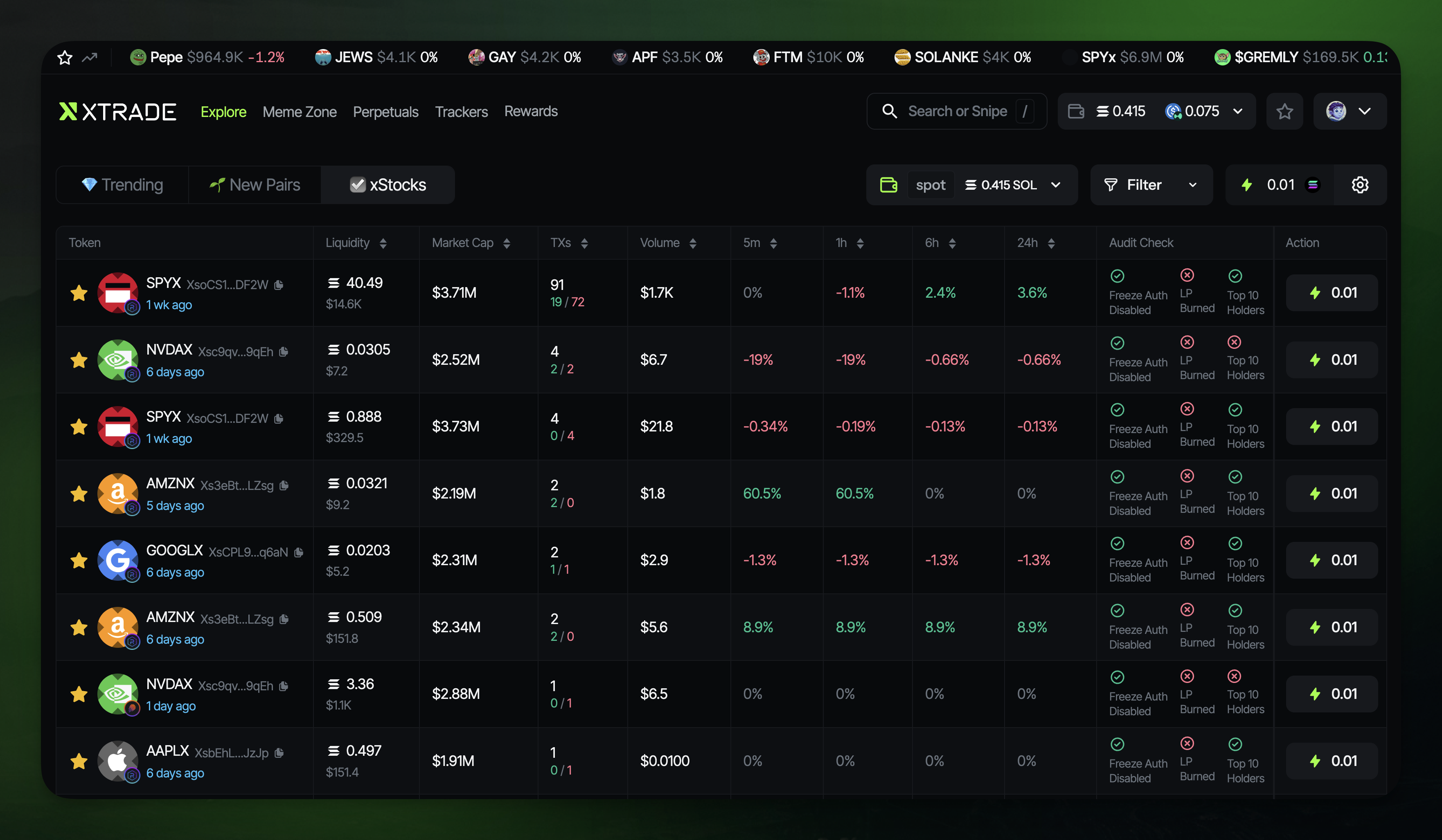
Tadah! You’ve successfully connected. Welcome to **XTrade.xyz**! First thing you'll see is the **Explore** page, where new pairs, top active tokens, and xStocks are listed
{% endstep %}
{% step %}
### Show Me the Tokens
{% endstep %}
{% endstepper %}
***
### :bulb: **Useful Telegram Bot Commands:**
* `/start` — Start the bot
* `/login` — Generate a login link
* `/referral` — Get your unique referral link to share
* `/help` — Create a support ticket